
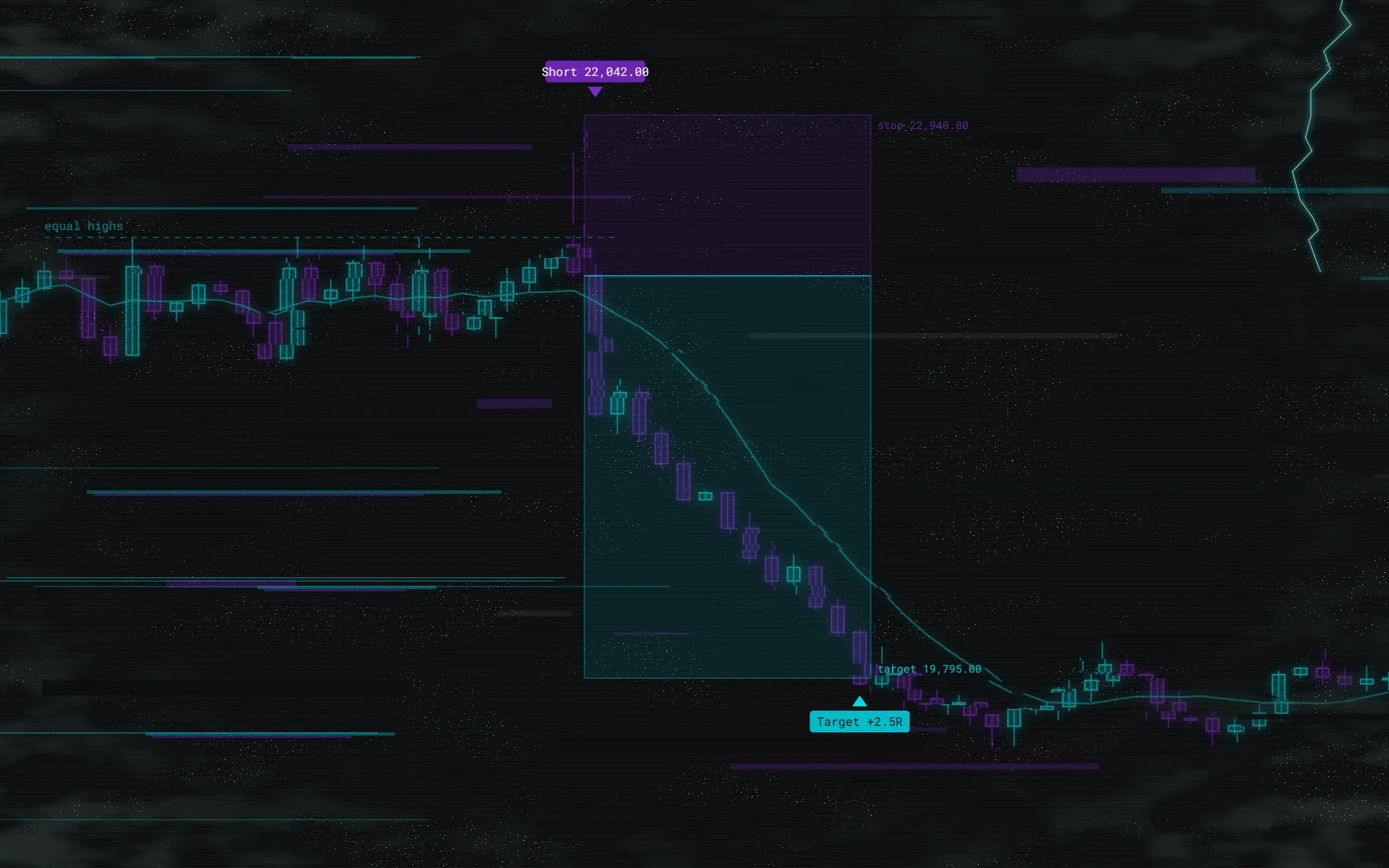
Never lose a good config again.
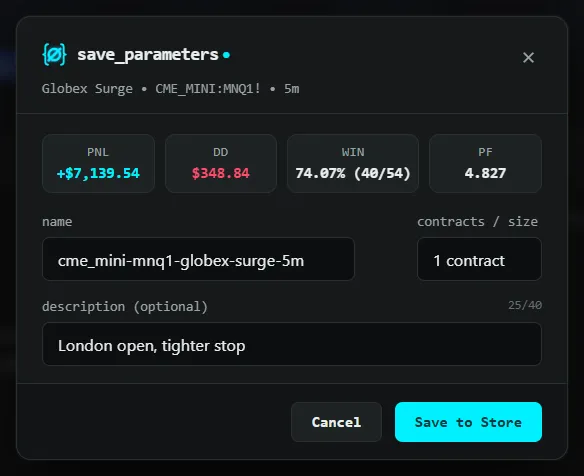
One click saves a strategy's inputs, properties and Strategy Tester results as one named set. Put any of them back on the chart in one click.
Now on the Chrome Web Store. Install it, open a TradingView chart and sign in from HyperNull. It needs a license or a free trial.
No charge until day 8, then $6 a month. Cancel any time during your trial period and you pay nothing..
No charge until day 8, then $39 a year. Cancel any time during your trial period and you pay nothing..
HyperNull isn't on sale right now. Leave your email and we'll tell you the day it opens.
or hear first on DiscordAlready have a license? Add to Chrome
- Save inputs, properties and results in one click
- Compare any set against the chart before you apply
- Undo every apply
- 250 sets, 50 versions each
- Sync across 2 browsers
- Share links, import and export
- Official presets for our strategies
- One TradingView username
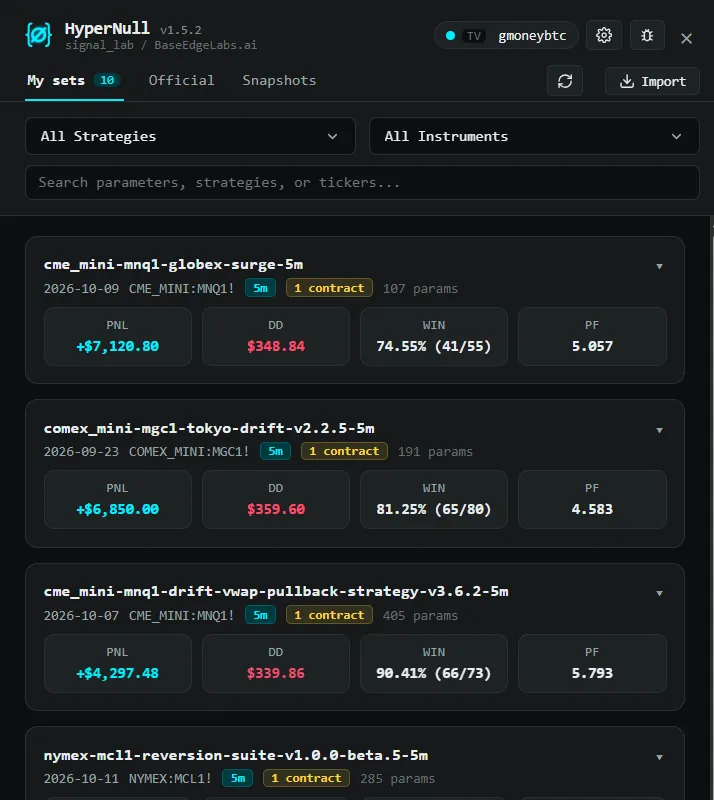
Every set you’ve tested, in one place.
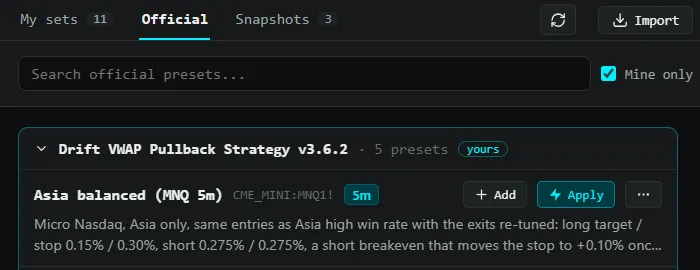
The drawer lists your sets with their results side by side. Search by strategy or symbol, compare results at a glance, or start from official presets for our own strategies.
- Results shown on every row
- Official presets for BaseEdge Labs strategies
Apply any set. Undo in one click.
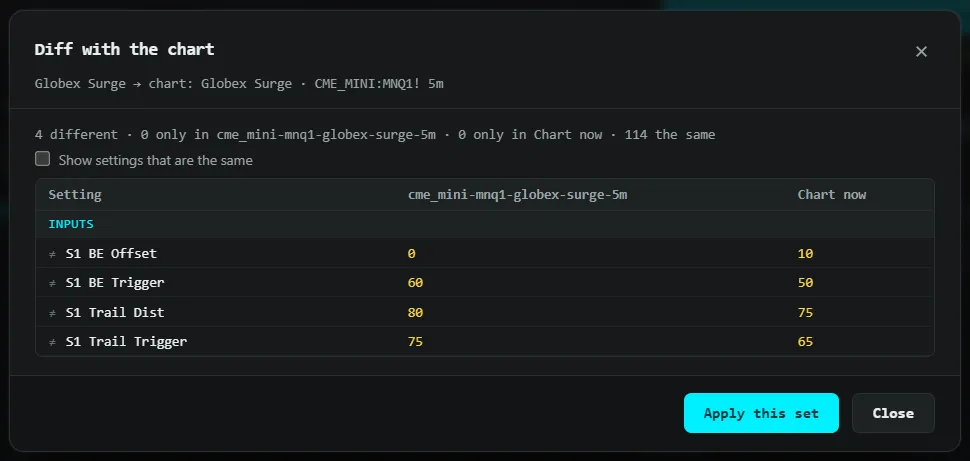
Before anything changes, HyperNull shows exactly which inputs differ from what’s on the chart. Apply it, and a snapshot of the old settings is taken first, so Undo is always there.
- A diff against the chart before you apply
- Nothing changes until you click


Every change kept.
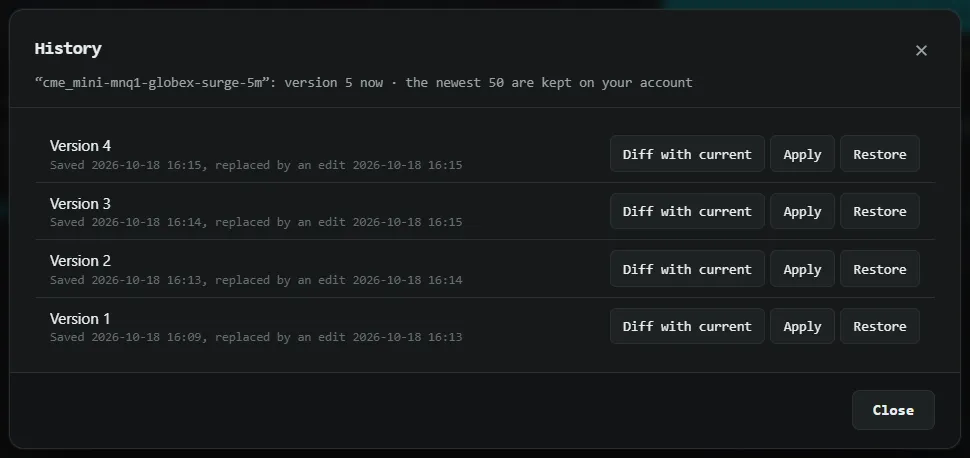
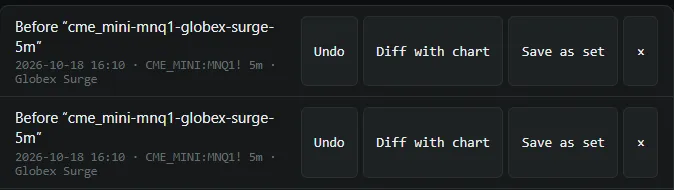
Edit a set and the old version stays, with the results it produced. Each apply saves a snapshot too. Go back to any of them.
- The newest 50 versions of each set
- Restore any version or snapshot
Your sets, on multiple devices.
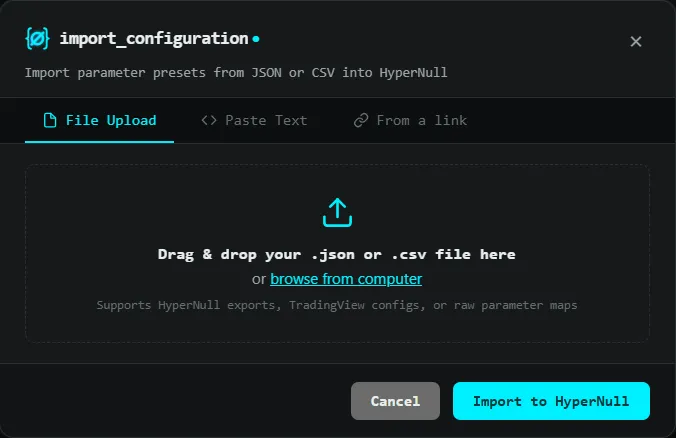
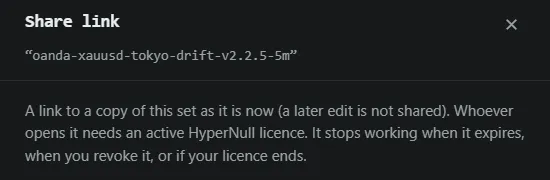
Connect your BaseEdge Labs account and your sets are the same in both browsers your license covers. Share a set by link, or bring settings in from JSON, CSV or plain text.
- Share links that expire when you choose
- Import and export one set or all of them
Does HyperNull change my chart on its own?
No. It acts only when you click: Save to Store, Apply or Undo. It never places trades and never changes your chart by itself.
Are the plans different?
No. Every plan has every feature. You choose how you pay: monthly, yearly or once.
Why does Chrome say “Proceed with caution” when I install it?
Chrome shows that notice to people who use Enhanced Safe Browsing when an extension comes from a publisher that is new to the Chrome Web Store. HyperNull passed Google’s review and is published on the store, so click Continue to install. The notice goes away once our publisher account has been on the store for a while. With Chrome’s standard protection, you won’t see it.
Which strategies does it work with?
Any strategy you can open in TradingView’s Strategy Tester: your own scripts, built-in strategies, and invite-only or published scripts you have access to.
What does the free trial include?
Everything. Monthly and Yearly start with 7 days free. Cancel any time during your trial period and you’re not charged. One-time has no trial.
What happens to my sets if I stop paying?
They stay readable for 60 days, so you can export them. Saving and syncing need an active license.
How many computers can I use?
2 browsers per license, both signed in to the same TradingView username.
Does it work on TradingView’s regional sites?
Yes: www.tradingview.com and the regional sites, such as in.tradingview.com or de.tradingview.com.
What does HyperNull send to BaseEdge Labs?
The TradingView username on the chart, for the license check, and the sets you save, so they sync. Never your password or cookies.
Can I get a refund?
Payments are final except as our refund policy describes. Start with the free trial to be sure HyperNull fits how you work.
HyperNull is an independent product of BaseEdge Labs LLC. It is not affiliated with, endorsed by, or sponsored by TradingView, Inc. TradingView is a trademark of TradingView, Inc.